The Ultimate Voice Over Sample Scripts (Copy-Paste) & AI Templates

Executive Summary
- Write for the ear: If it looks good on paper, it probably sounds stiff.
- Use branching logic: For AI agents, linear scripts fail. You need "If/Then" flows.
- Speed matters: Automated scripts must get to the point in 10 seconds.
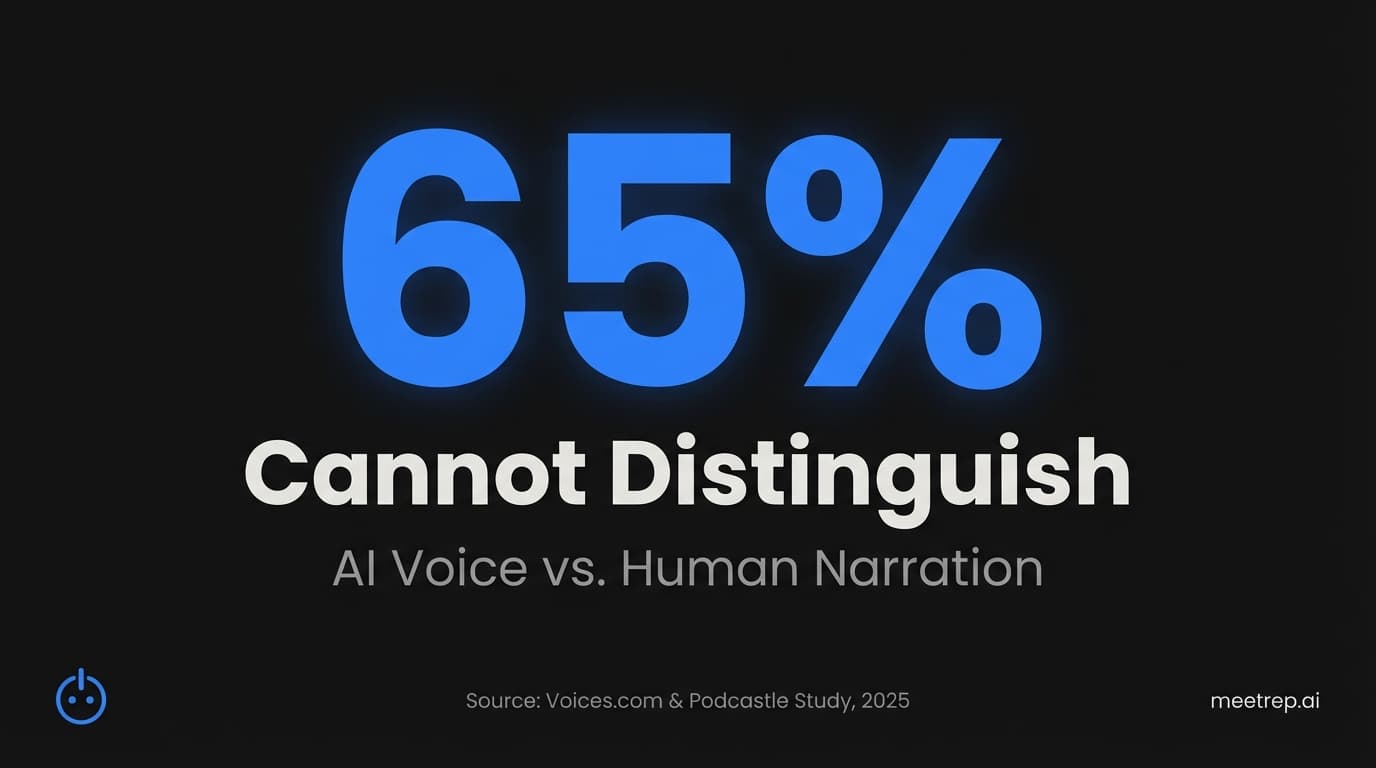
- The tech is ready: 65% of listeners can't distinguish AI from human voices anymore.
You spend hours on the visuals. You obsess over the lighting. You buy the $400 mic.
And then? You read a PDF like a robot.
The script is usually the afterthought. But in my experience building sales automation tools, I’ve learned that the script—not the speaker—is what actually closes the deal. Whether you're hiring a human actor or configuring an AI agent, the words determine the pacing, the tone, and ultimately, the conversion.
This is shifting fast. According to Wistia's 2025 State of Video Report, 41% of video professionals are now using AI for video creation—more than double the rate from 2024. The bottleneck isn't recording anymore. It's writing voice over sample scripts that actually sell.
Below, I’m sharing the actual frameworks we use. These are copy-paste templates for product explainers, commercials, and the new world of interactive AI agents.
Why Your Script Matters More Than Your Mic
A voice over script is a written document containing the dialogue and stage directions for a voice actor or AI agent. Unlike standard text, it includes cues for tone, pacing, and emphasis to guide the vocal performance.
That’s the definition. But here’s the reality.
When we built Rep, we thought audio quality was king. We were wrong. We found that a "perfect" radio voice reading a generic script performed worse than a slightly imperfect voice reading a highly relevant, punchy script.
In 2025, the stakes are financial. Wyzowl’s research shows that 93% of marketers report a positive ROI from video marketing. But you only get that ROI if people keep watching.
Key Insight: The "Speed to Lead" rule applies to scripts too. According to HubSpot data, 78% of customers buy from the company that responds first. If your script takes 60 seconds to get to the point, you've already lost them.
The Rise of the AI Sales Agent
Before we get to the templates, we need to address the elephant in the room. Are you writing for a human or a machine?
A few years ago, this was a binary choice. Humans were expensive but good. Robots were cheap but terrible.
That gap has closed.
According to a 2025 study by Voices.com and Podcastle, approximately 65% of people cannot distinguish between AI-generated narration and human voices in eLearning contexts.
At Rep, we see this daily. We built our platform to handle autonomous product demos. The AI doesn't just read; it navigates the browser, clicks buttons, and answers questions. If the script sounds robotic, the illusion breaks. But when the script is written with natural pauses ("um," "hmm") and conversational phrasing, prospects forget they're talking to software.
So, I’ve divided these scripts into two categories: Linear (for videos/commercials) and Interactive (for AI agents/demos).
5 Ultimate Voice Over Sample Scripts (Copy-Paste)
Here are five templates you can adapt immediately. I’ve included "Stage Directions" in brackets—do not read these aloud.
1. The "Product Explainer" (Linear)
Best for: Homepage videos, YouTube overviews. Goal: Clarity and problem/solution fit.
[TONE: Helpful, energetic, slightly fast-paced. Think "tech-savvy friend."]

[0:00-0:05]
VOICE: Does your team spend more time updating the CRM than actually selling?
[PAUSE for 1 second. Visual: Frustrated rep typing.]

[0:05-0:15]
VOICE: You aren't alone. The average rep spends only 30% of their day selling. The rest? It’s data entry. Total waste.

[0:15-0:30]
VOICE: Meet [Product Name]. It’s the first sales tool that works backwards. Instead of you feeding it data, it feeds you leads.

[0:30-0:45]
VOICE: It connects to your email, scans your calendar, and automatically updates your pipeline. So you can get back to what you were hired to do.
[Visual: Screen rapidly filling with completed tasks.]

[0:45-0:55]
VOICE: Stop being a data entry clerk. Start being a closer. Try [Product Name] free at [Website URL].
2. The "Interactive Demo" (Rep Special)
Best for: AI agents (like Rep) or interactive video platforms. Goal: Simulating a live conversation while showing software.
Note: This script includes "Actions" because modern AI agents share their screen.
[TONE: Professional but conversational. Pacing should match the browser speed.]

[AGENT JOINS MEETING]
AGENT: Hey there! Thanks for joining. Just to confirm—can you see my screen okay? It should be showing the dashboard.

[WAIT FOR PROSPECT: "Yes"]

AGENT: Awesome. So, I know you were interested in how we handle [Pain Point: Reporting]. Let me dive straight into that.
[ACTION: Click "Analytics" tab]

AGENT: Most tools make you export this to Excel, which is... honestly painful. But here, we do it differently. Watch this.
[ACTION: Click "Generate Report"]

AGENT: See that? It pulled the data from Q3 and Q4 automatically.

[BRANCHING LOGIC CHECK]
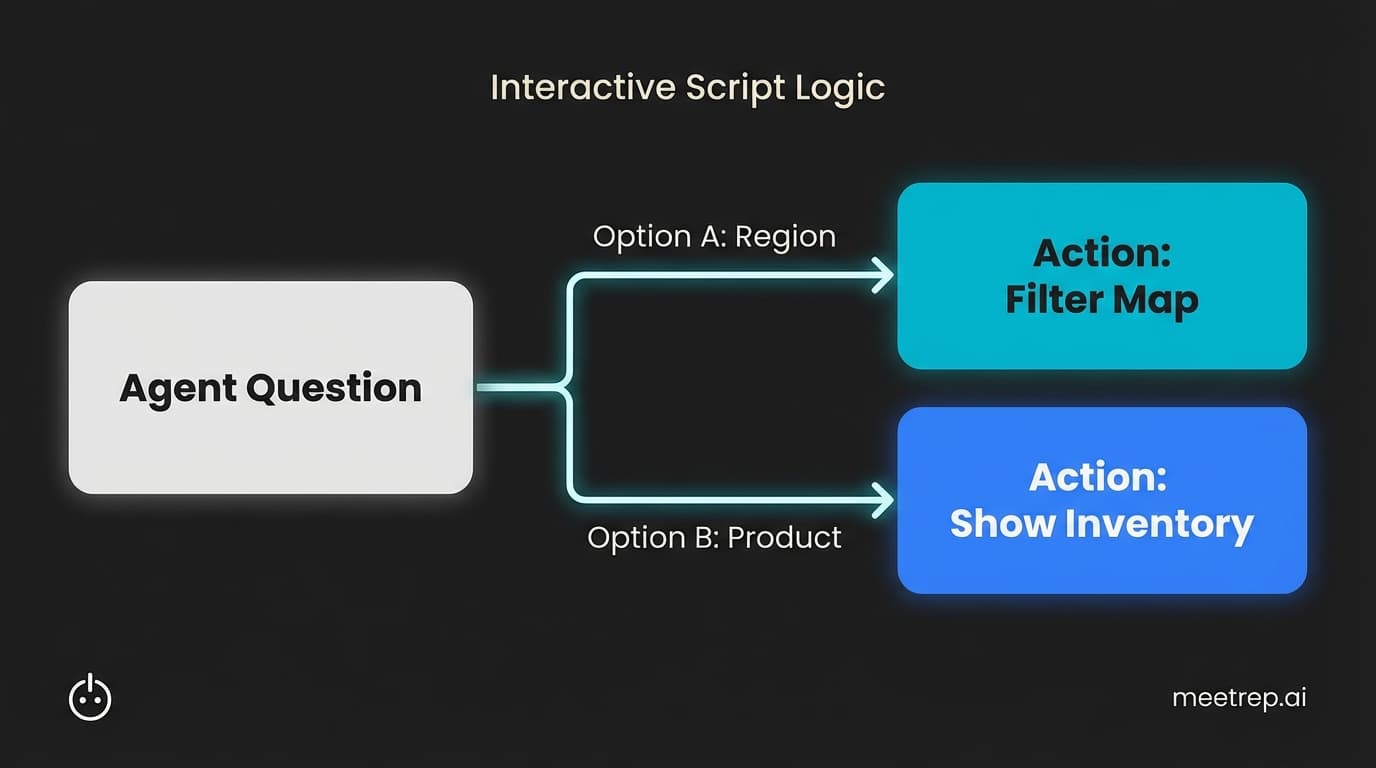
AGENT: Quick question for you—does your team usually track revenue by region or by product line?

[IF "REGION"]:
AGENT: Got it. Then you'll love this map view. Let me filter by "North America" for you.
[ACTION: Filter by Region]

[IF "PRODUCT"]:
AGENT: Makes sense. Let me switch to the inventory view so you can see the product breakdown.
[ACTION: Filter by Product]
Why we built Rep this way: Notice the "Check" in the middle? Linear scripts lose attention. We designed Rep to ask questions and listen. If the prospect says "Region," the AI actually clicks the Region filter. That interactivity boosts engagement way more than a perfect monologue.
3. The "Inbound Lead Qualifier" (Speed to Lead)
Best for: AI Voice Agents calling inbound leads immediately. Goal: Filter the lead and book a meeting.
[TONE: Friendly, helpful, urgent. Not pushy.]

AGENT: Hi, this is [Name] calling from [Company]. I saw you just requested our pricing guide on the site—did I catch you at a bad time?

[IF "YES"]:
AGENT: No worries at all. I'll send that guide to your email right now. Is [Email Address] still the best one for you?
[CONFIRM & HANG UP]

[IF "NO"]:
AGENT: Great. I just wanted to make sure I sent you the right version. Are you looking for the Enterprise plan or the Startup tier?

[PROSPECT ANSWERS]

AGENT: Okay, perfect. The [Tier] plan actually includes [Key Feature], which sounds like what you need.

AGENT: Honestly, the pricing gets a bit complex depending on seats. I have a specialist available who can walk you through the math in about 10 minutes. Do you want me to add you to their calendar for later today?
4. The "Outbound Commercial" (Radio/Podcast)
Best for: Spotify ads, Podcast reads. Goal: Brand awareness and memorability.
[SFX: Sound of heavy traffic / horns honking]

VOICE (Deep, tired):
Imagine your commute. The traffic. The noise. The wasted time.

[SFX: Sudden silence. Birds chirping. Gentle wind.]

VOICE (Calm, relieved):
Now imagine your commute... is from your bed to your desk.

VOICE:
Remote work isn't the future. It's now. But only if your team stays connected.

VOICE:
[Company Name] is the virtual office that feels like a real office. Without the commute. And definitely without the honking.

VOICE:
Get your team back together at [URL].
5. The "Technical Walkthrough" (Step-by-Step)
Best for: Support videos, Knowledge Base articles. Goal: Precision and patience.
[TONE: Slow, articulate, patient. Pauses are critical here.]

VOICE:
In this video, we’re going to set up your API key.

VOICE:
First, log in to your admin panel.
[PAUSE 3 SECONDS]

VOICE:
Look at the bottom left corner. Click on "Settings."
[Visual: Mouse hovers over Settings]

VOICE:
Now, scroll down until you see "Developer Tools." It might be hidden under the "Advanced" tab depending on your permission level.
[Visual: Scrolling down]

VOICE:
Click "Generate New Token."
[PAUSE 2 SECONDS]

VOICE:
Important step here: Copy this token immediately. For security reasons, we won't show it to you again. Once you have it copied, paste it into your configuration file.
How to Write for AI Agents (Best Practices)
Writing for an AI agent (like Rep) is different from writing for a voice actor. A voice actor can fix your bad grammar on the fly. An AI will read exactly what you type—errors and all.
Here is how to make your AI sound human:
1. Write for the Ear, Not the Eye
Humans don't say "I am going to the store." We say "I'm going to the store." Contractions are mandatory. If you write "do not" instead of "don't," your agent will sound like a 1950s sci-fi robot.
2. Use "Fillers" Intentionally
This sounds counterintuitive. Usually, we try to remove "ums" and "ahs." But in conversation, these are humanity signals.
- Bad: "I found that record. It is displayed now."
- Good: "Okay, let me see... yep, found that record. Pulling it up now."
3. Use "Speech-to-Speech" Logic
Modern AI uses Speech-to-Speech (S2S) architecture. This means it picks up on emotional nuance. If you want the AI to sound excited, use exclamation points! If you want a pause, use ellipses... or break the line.
Common Mistake: Don't put the URL at the end of a phone script. "Visit us at www dot company dot com slash pricing." Nobody remembers that. Instead, say: "I'll text a link to your mobile number right now."
4. Branching is Mandatory
Linear scripts work for video. They fail for calls. You must anticipate the "No."
- Script: "Do you have 5 minutes?"
- Branch A (Yes): "Great, so..."
- Branch B (No): "Totally get it. I'll be quick. The reason I called is..."
Human Actor vs. AI Agent: Which Do You Need?
In 2026, the line is blurry. But here is the breakdown based on cost and capability.
| Feature | AI Voice Agent (Rep) | Human Voice Actor |
|---|---|---|
| Cost | Low (Subscription based) | High (Per hour/project) |
| Speed | Instant generation | Days/weeks for recording |
| Scalability | Infinite concurrent calls | Limited by human availability |
| Emotion | Improving (65% indistinguishable) | High emotional nuance |
| Best For | Demos, Inbound, Support, FAQ | Brand anthems, Super Bowl ads |
The Data: A major concern with AI is "loss of human touch." Yet, Voices.com reports that 58% of voice buyers now need content in multiple languages. A human actor can rarely switch from English to Japanese instantly. AI can. If your market is global, AI isn't just cheaper—it's the only viable option.
Real-World Results
Does this actually work? Can a script delivered by AI generate revenue?
The data says yes.
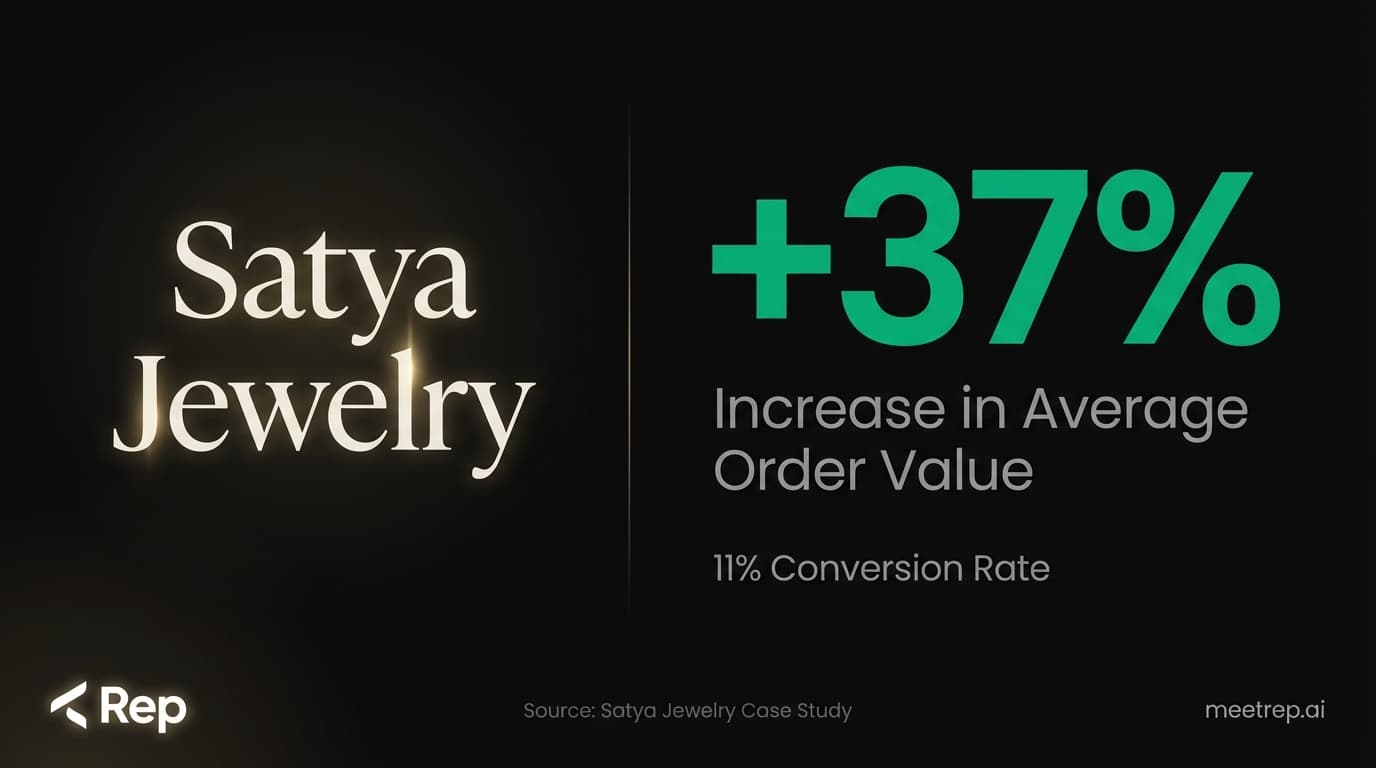
Look at Satya Jewelry. They implemented Rep to handle product storytelling and concierge interactions. They didn't just save time. They increased their Average Order Value (AOV) by 37% with an 11% conversion rate.
Or take Nutrabio, who used Rep's behavioral AI to boost sales by 11.46%.
The common thread? They didn't just "turn on" the AI. They used scripts that understood their customers' pain points and navigated the product naturally.
The Bottom Line
The microphone doesn't matter as much as you think. The voice actor doesn't matter as much as you think.
The script is the skeleton. If the bones are weak, the body collapses.
Whether you hire a professional from Hollywood or configure an agent in Rep, the rules are the same: Be clear. Be human. And respect the listener's time.
But if you want to move beyond just talking at your prospects—if you want a voice that can actually show your product, click the buttons, and close the deal—you need more than a script. You need an agent.
See how your script sounds when it’s alive. Create your Rep agent today.

Nadeem Azam
Founder
Software engineer & architect with 10+ years experience. Previously founded GoCustomer.ai.
Nadeem Azam is the Founder of Rep (meetrep.ai), building AI agents that give live product demos 24/7 for B2B sales teams. He writes about AI, sales automation, and the future of product demos.
Frequently Asked Questions
Table of Contents
- Why Your Script Matters More Than Your Mic
- The Rise of the AI Sales Agent
- 5 Ultimate Voice Over Sample Scripts (Copy-Paste)
- How to Write for AI Agents (Best Practices)
- Human Actor vs. AI Agent: Which Do You Need?
- Real-World Results
- The Bottom Line
Ready to automate your demos?
Join the Rep Council and be among the first to experience AI-powered demos.
Get Early AccessRelated Articles
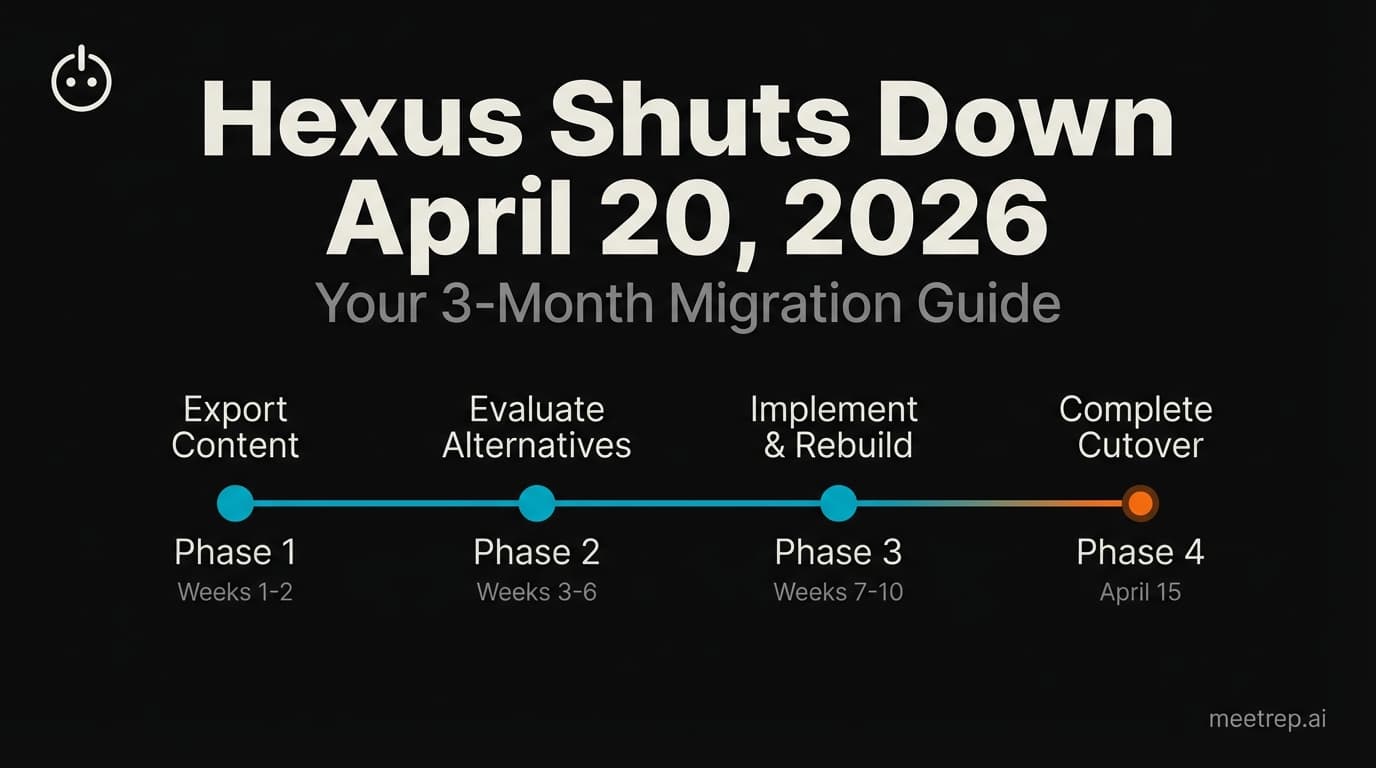
Hexus Acquired by Harvey AI: Congrats & What It Means for Demo Automation Teams
Hexus is shutting down following its acquisition by Harvey AI. Learn how to manage your migration and discover the best demo automation alternatives before April 2026.
Why the "Software Demo" is Broken—and Why AI Agents Are the Future
The traditional software demo is dead. Discover why 94% of B2B buyers rank vendors before calling sales and how AI agents are replacing manual demos to scale revenue.
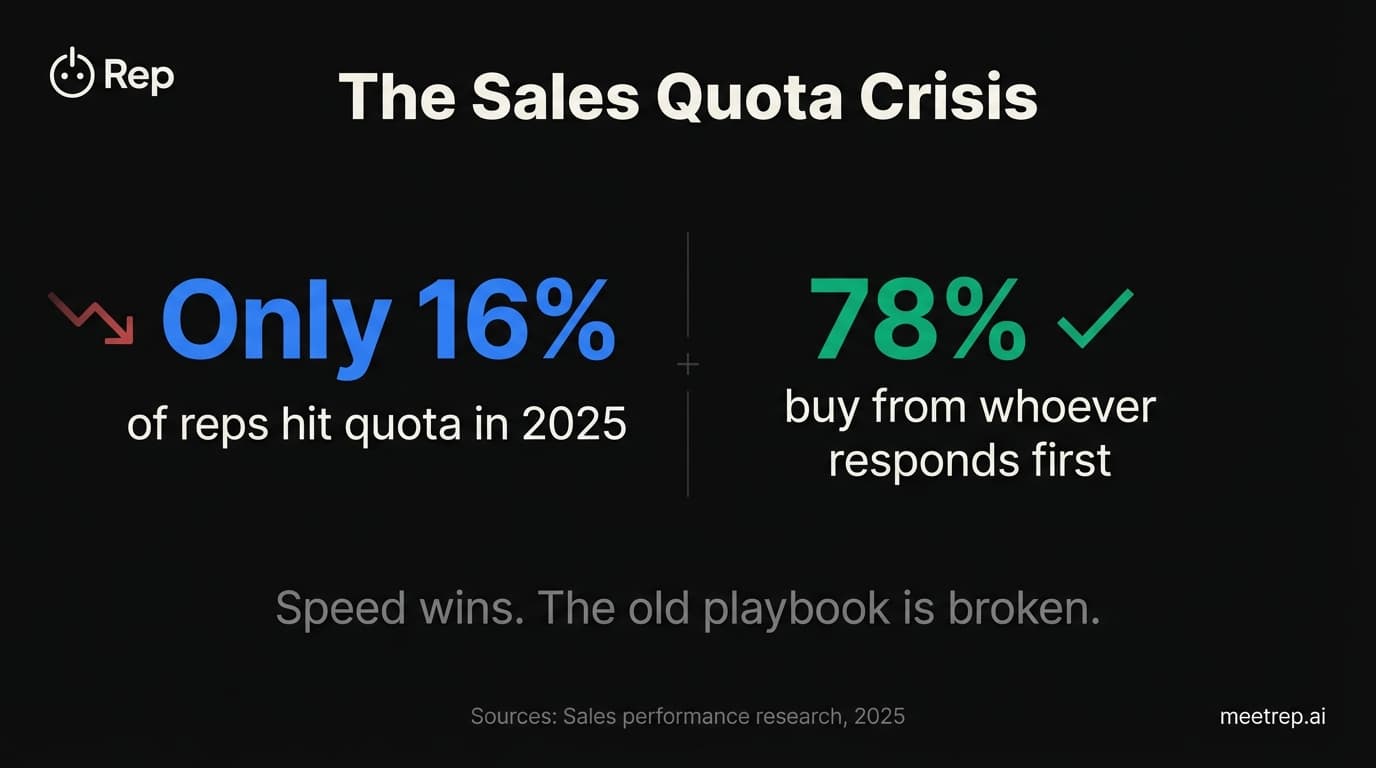
Why Autonomous Sales Software is the Future of B2B Sales (And Why the Old Playbook is Dead)
B2B sales is at a breaking point with quota attainment at 46%. Discover why autonomous 'Agentic AI' is the new standard for driving revenue and meeting the demand for rep-free buying.