Video Demo Guide: Why Static Recordings Are Killing Your Pipeline

Executive Summary
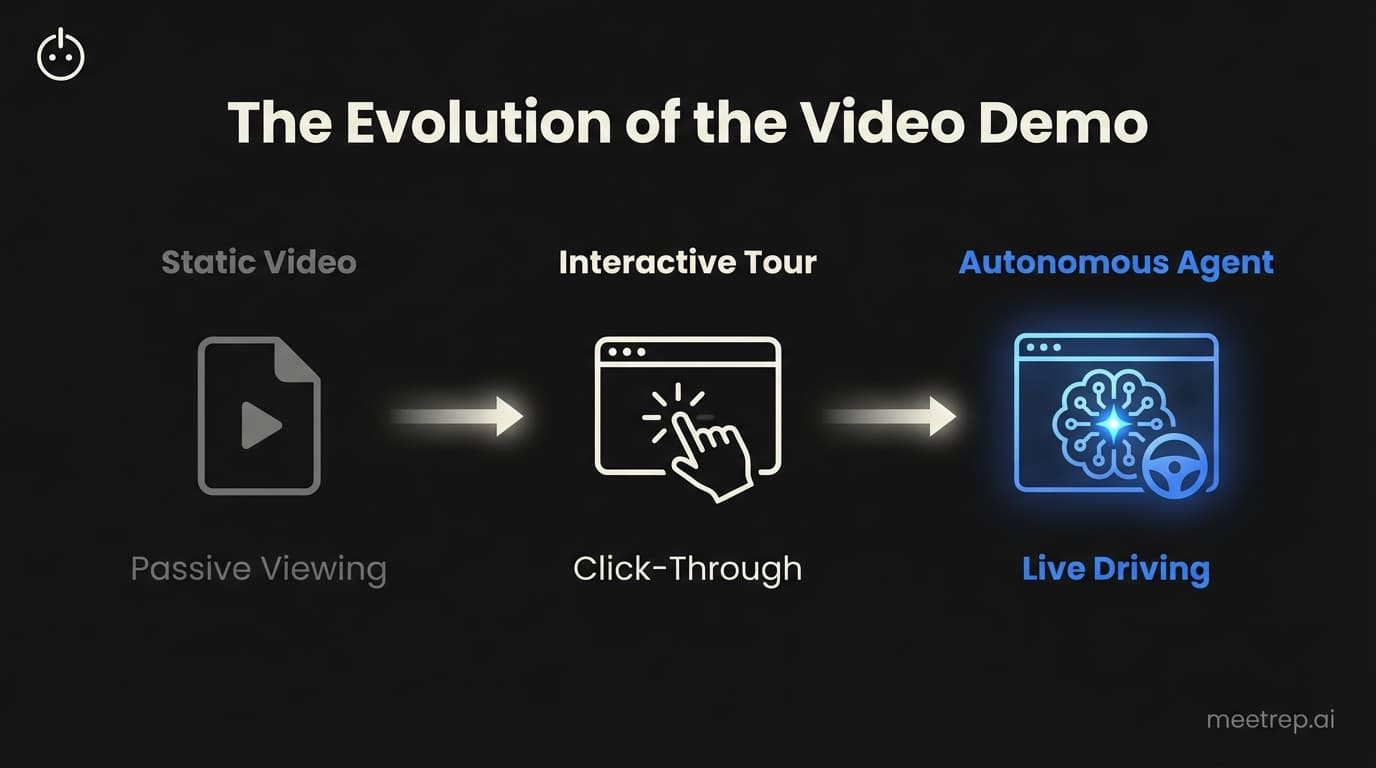
- Static videos are dying: Buyers won't sit through 10-minute linear recordings.
- Interactivity is the standard: Tools that allow buyers to "drive" convert better.
- AI is the next step: Autonomous agents (like Rep) replace the video entirely with live, interactive software.
- Keep it short: If you must use video, focus on one workflow per clip.
You spend 45 minutes recording a "quick" walkthrough of your product. You stumble over your words in minute three, swear under your breath, and restart. Finally, you get a clean take. You send the link to your prospect with high hopes.
And then? Silence.
I saw this constantly while building GoCustomer.ai. Sales teams lean on video demos to save time, but they often sacrifice conversion in the process. They treat the video as a band-aid for a lack of headcount.
But here is the hard truth.
If you are sending static, non-interactive video files in 2025, you are losing deals. Buyers are too sophisticated. Their attention spans are too short. They don't want to watch a movie; they want to find answers.
I’m Nadeem Azam, founder of Rep. After spending years architecting sales automation tools, I can tell you that the video demo has evolved. It’s no longer just about pressing record. It’s about interactivity, autonomy, and speed.
Here is what you need to know to fix your demo strategy.
What Is a Video Demo?
A video demo is a recorded or simulated presentation of a product's features, designed to showcase value without requiring a live sales representative. Unlike a live call, it allows prospects to view the product on their own schedule.
But the definition is shifting.
Five years ago, a "video demo" was strictly an MP4 file or a YouTube link. Today, the category has split into three distinct tiers. Understanding the difference is the only way to choose the right tool for your stage of growth.
The 3 Types of Video Demos
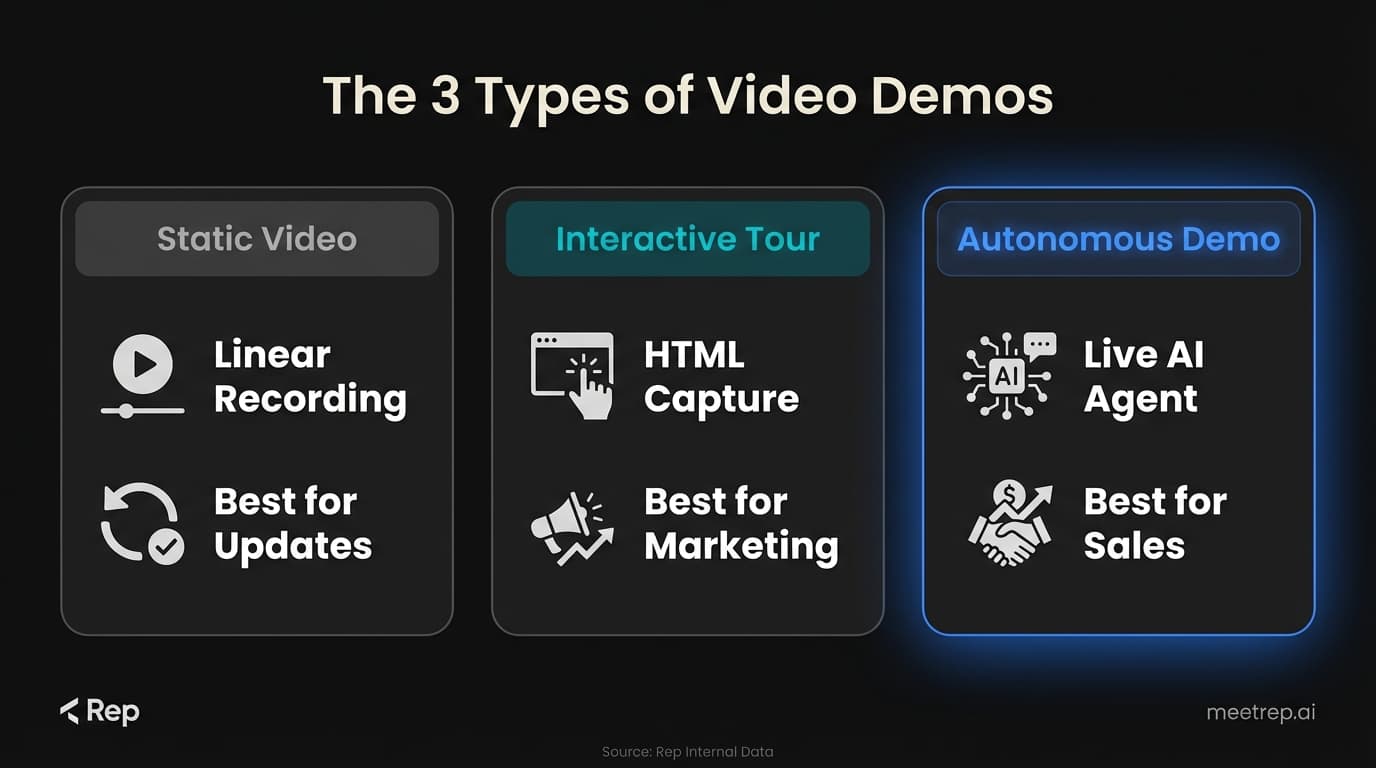
| Type | What It Is | Best For | Tools |
|---|---|---|---|
| Static Video | A linear recording (MP4/Stream) of someone using the tool. | Quick feature updates, bug reports, internal comms. | Loom, Vidyard |
| Interactive Tour | A captured "clone" of your HTML/CSS that users click through. | Website marketing, "Product Tour" pages. | Navattic, Walnut |
| Autonomous Demo | An AI agent that joins a call to drive the actual browser live. | Qualified inbound leads, SDR replacement, 24/7 sales. | Rep |
Key Insight: Most teams get stuck in row one. They try using Loom for enterprise deals. That is a mistake. Static video works for explaining, but it's terrible for selling.
Why Static Video Demos Fail in B2B
At GoCustomer, we analyzed thousands of sales interactions. The pattern was brutal. When a rep sent a generic video link instead of booking a meeting, deal velocity usually slowed down.
Why?
Because static video is passive.
When a prospect watches a video, they lean back. They multi-task. They check Slack on their other monitor. The moment you say something irrelevant to their specific pain point, they close the tab.
The "One Size Fits None" Problem
Imagine you are selling CRM software.
- Prospect A cares about reporting.
- Prospect B cares about email integration.
If you send them both the same 5-minute generic "Overview Demo," you lose both of them. Prospect A gets bored watching the email integration part. Prospect B quits before you even get to the reporting section.
With a standard video demo, you force the buyer to hunt for value. In a market of instant gratification, that friction kills deals.
How to Create a Video Demo That Actually Converts
If you are going to use video assets in your sales process, you have to be surgical. You cannot just hit record and ramble.
Here is the framework I recommend to founders and sales leaders who ask me how to improve their win rates.
1. The "Aha" First Framework
Do not start with "Hi, my name is..." or "Let me show you how to log in."
Start with the payoff.
If your product saves them 10 hours a week on data entry, show the result of that savings in the first 15 seconds. Hook them with the outcome, then show the process.
2. Micro-Demos Over Monoliths
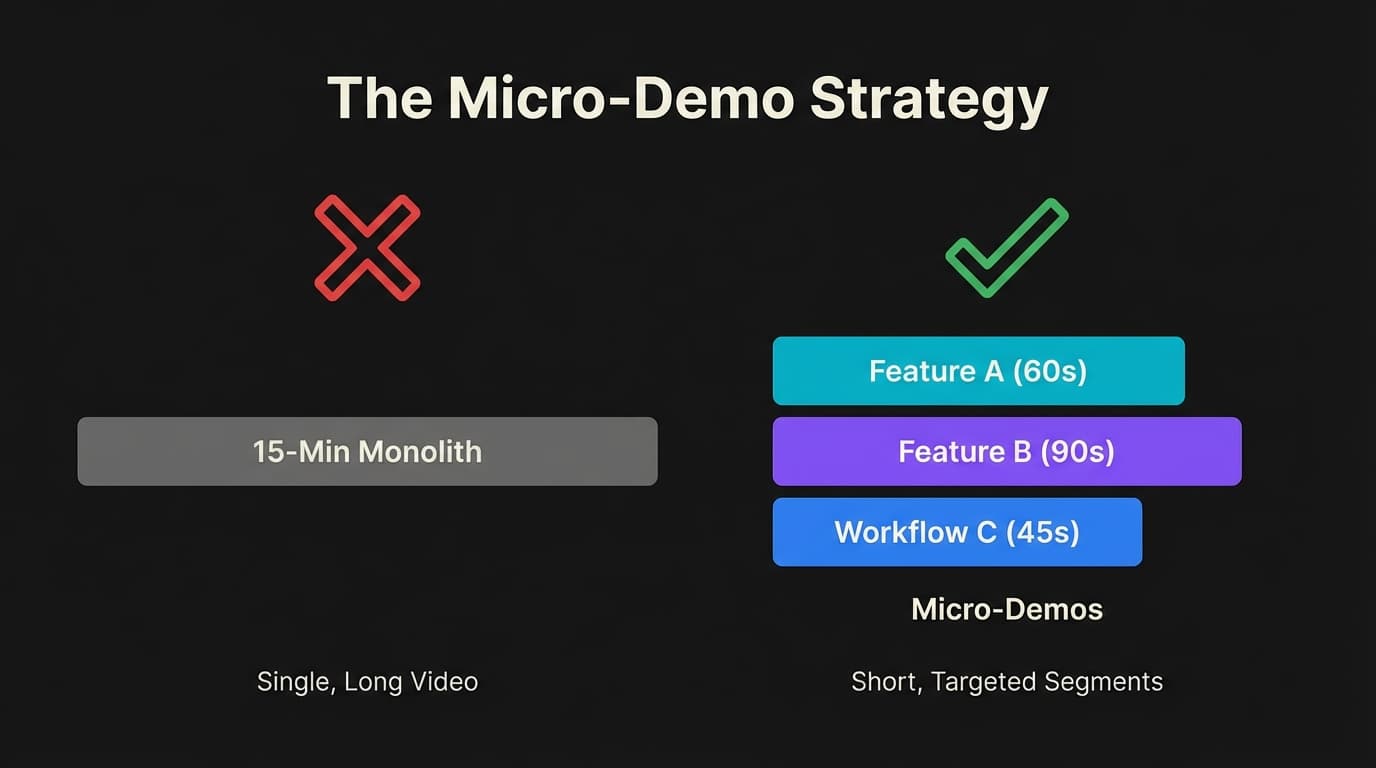
Never record a 15-minute "Full Platform Overview." Nobody watches those.
Instead, build a library of Micro-Demos. These are 60-90 second videos that cover exactly one specific workflow.
- "How to export reports" (60s)
- "How to set up a campaign" (90s)
- "Integrating with Slack" (45s)
When a prospect asks a question, send the specific Micro-Demo. It respects their time and answers their actual question.
3. Personalize the Intro
If you are sending a pre-recorded demo, record a custom 15-second "cam-only" intro specifically for that prospect.
"Hey Sarah, I know you mentioned issues with reporting at [Company Name]. I recorded this specifically to show you how our export engine handles that."
Then splice in the canned demo content. This creates the illusion of a custom demo without the time cost.
Interactive vs. Autonomous Demos
This is where the market gets confusing. You hear "interactive demo" and "AI demo" thrown around interchangeably. They are not the same thing.
The HTML Capture (Interactive)
Tools like Navattic or Walnut take a snapshot of your product's code (HTML/CSS). They create a "sandbox" version of your site. It looks like your product, but it isn't real.
Pros:
- Never crashes (it's fake).
- Perfect for marketing websites.
Cons:
- It feels "on rails." The user can only click where you want them to click.
- It cannot show real data or complex logic.
The AI Agent (Autonomous)
This is what we are building at Rep. Instead of faking the product, we use an AI agent that logs into your actual product.
The AI joins a video call or hosts a room. It speaks to the prospect. It shares its screen. And then it drives the browser in real-time.
Why we built Rep this way: I realized that buyers didn't just want to click around a fake sandbox. They wanted to ask questions. "What happens if I click that?" "Can it integrate with HubSpot?"
A silent HTML click-through can't answer those questions. An AI voice agent can. It combines the scalability of video with the intelligence of a human rep.
When to Use a Video Demo vs. Live Rep
Automation is powerful, but it's not a magic bullet. You shouldn't automate your Enterprise closing call.
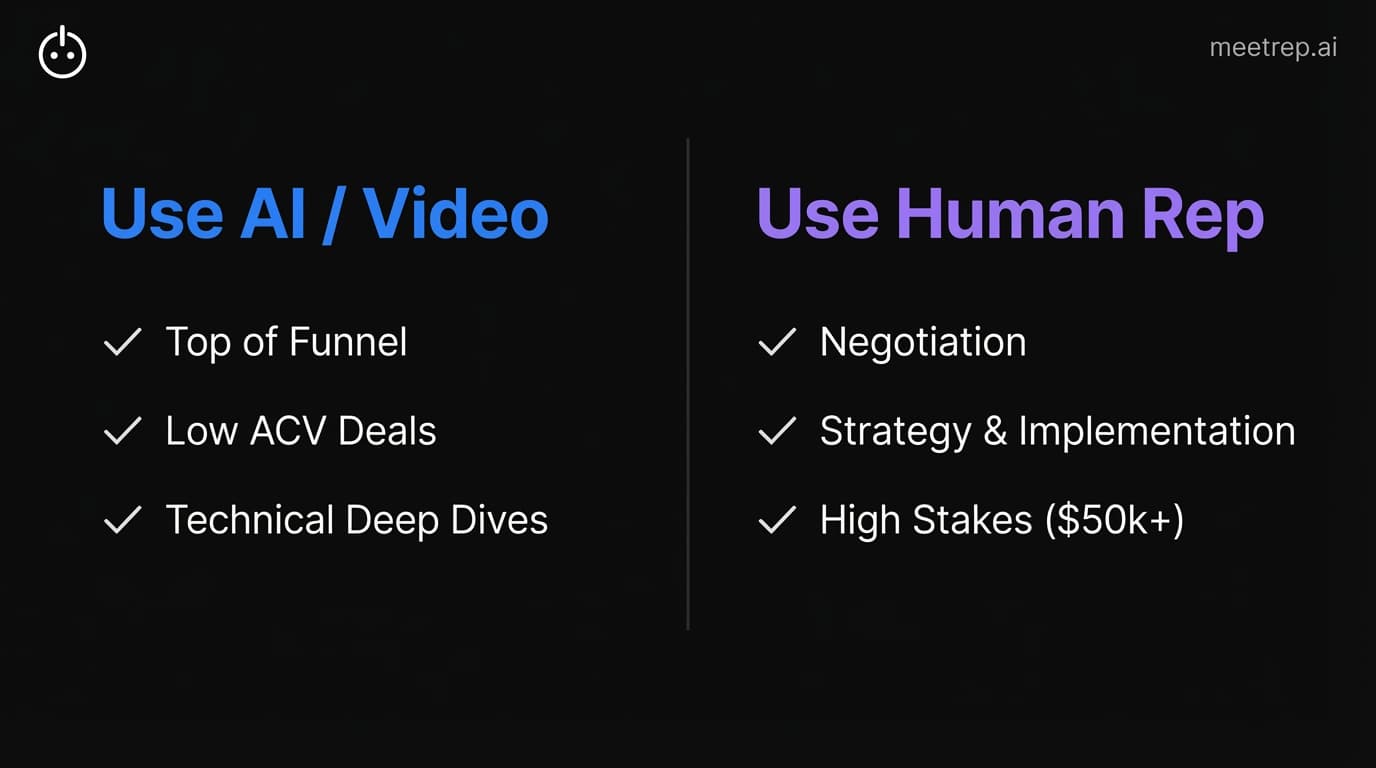
Here is my rule of thumb for when to use video/AI versus a human:
Use Video/AI Demos When:
- Top of Funnel: The prospect is just curious and not qualified yet.
- Low ACV: The deal size is too small to justify a human's time ($5k-$10k ACV).
- Technical Deep Dives: Answering a specific technical question asynchronously.
- After Hours: The prospect is researching at 2 AM.
Use a Human Rep When:
- Negotiation: Pricing discussions and contract redlines.
- Strategy: Discussing implementation strategy or organizational change.
- High Stakes: The deal is worth $50k+ and requires multi-stakeholder buy-in.
My recommendation: Use Rep or similar autonomous tools to handle the first 2-3 interactions. Let the AI qualify the lead, answer basic questions, and show the product. Once the buyer says "I'm interested in pricing," that is when your human AE steps in.
Best Practices for Distribution
Creating the asset is only half the battle. How you deliver it determines if it gets watched.
1. Embed, Don't Attach
Never attach a video file to an email. It triggers spam filters and requires a download. Always use a link with an animated GIF preview (most tools generate this automatically).
2. The "3x3" Rule
If you send a video demo in an email, provide context using the 3x3 rule:
- 3 sentences of text max.
- 3 bullet points summarizing what they will see in the video.
This gives the "skimmers" the value even if they don't click play.
3. Gate Strategically
Should you put your video demo behind a form?
- Marketing Site: No. Ungate it. Let them see the product. Friction kills interest.
- Sales Process: Yes (soft gate). Use a tool that requires an email to view so you can track who watched it and for how long.
The Future Is Not Static
The "Press Play and Pray" method is dead.
Buyers demand more. They want answers instantly, they want to see the product live, and they don't want to wait for your calendar to open up next Tuesday.
We built Rep because we saw this gap. We saw founders and sales leaders struggling to scale because they were trapped in the binary choice of "hire more bodies" or "send more videos." There had to be a middle ground—intelligent automation that feels human but scales like software.
My advice? Audit your current demo strategy. If you are still relying on static recordings from 2023, it’s time to upgrade. Whether you choose interactive click-throughs or full AI autonomy, the goal is the same: stop selling to passive viewers and start engaging with active buyers.

Nadeem Azam
Founder
Software engineer & architect with 10+ years experience. Previously founded GoCustomer.ai.
Nadeem Azam is the Founder of Rep (meetrep.ai), building AI agents that give live product demos 24/7 for B2B sales teams. He writes about AI, sales automation, and the future of product demos.
Frequently Asked Questions
Table of Contents
- What Is a Video Demo?
- Why Static Video Demos Fail in B2B
- How to Create a Video Demo That Actually Converts
- Interactive vs. Autonomous Demos
- When to Use a Video Demo vs. Live Rep
- Best Practices for Distribution
- The Future Is Not Static
Ready to automate your demos?
Join the Rep Council and be among the first to experience AI-powered demos.
Get Early AccessRelated Articles
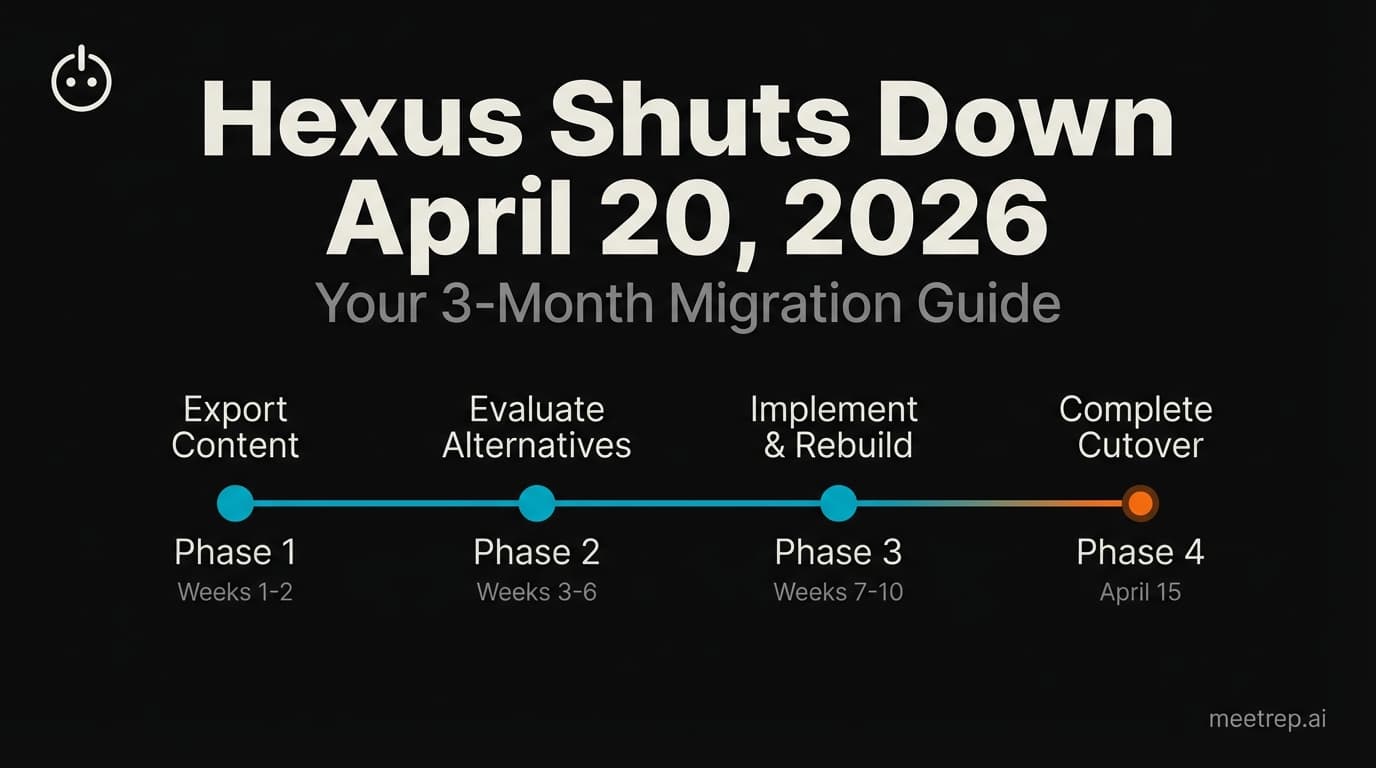
Hexus Acquired by Harvey AI: Congrats & What It Means for Demo Automation Teams
Hexus is shutting down following its acquisition by Harvey AI. Learn how to manage your migration and discover the best demo automation alternatives before April 2026.
Why the "Software Demo" is Broken—and Why AI Agents Are the Future
The traditional software demo is dead. Discover why 94% of B2B buyers rank vendors before calling sales and how AI agents are replacing manual demos to scale revenue.
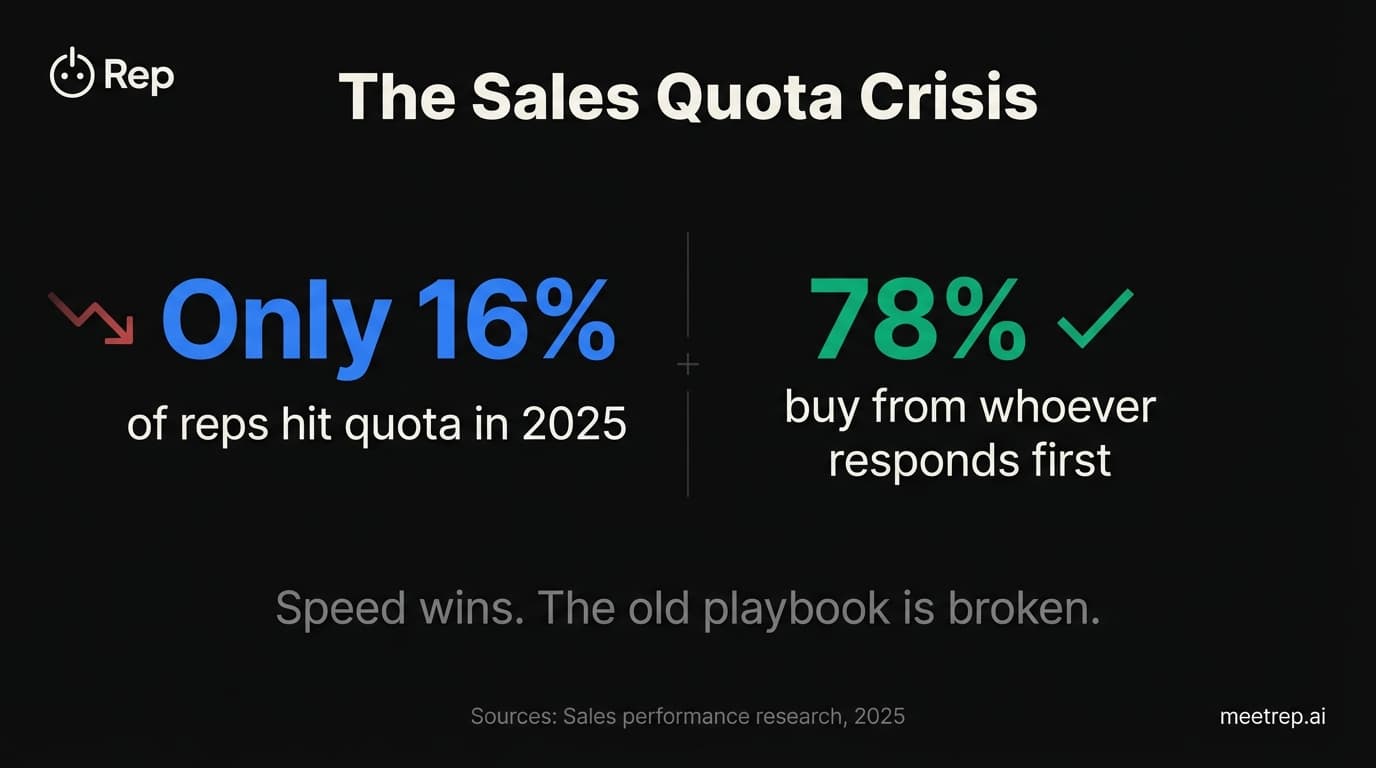
Why Autonomous Sales Software is the Future of B2B Sales (And Why the Old Playbook is Dead)
B2B sales is at a breaking point with quota attainment at 46%. Discover why autonomous 'Agentic AI' is the new standard for driving revenue and meeting the demand for rep-free buying.