Integrating AI Agents with Salesforce: A Technical Guide That Doesn't Hide the Hard Parts

Executive Summary
- Choose your architecture pattern first: native Agentforce, external specialized agents, or hybrid
- Budget for Data Cloud ($25k-$75k+/year) if going native—the $2/conversation pricing doesn't include it
- API limits kill external integrations at scale. Plan for 5-8 calls per interaction minimum.
- Data quality causes more failures than bad technology. 53% cite it as their top barrier.
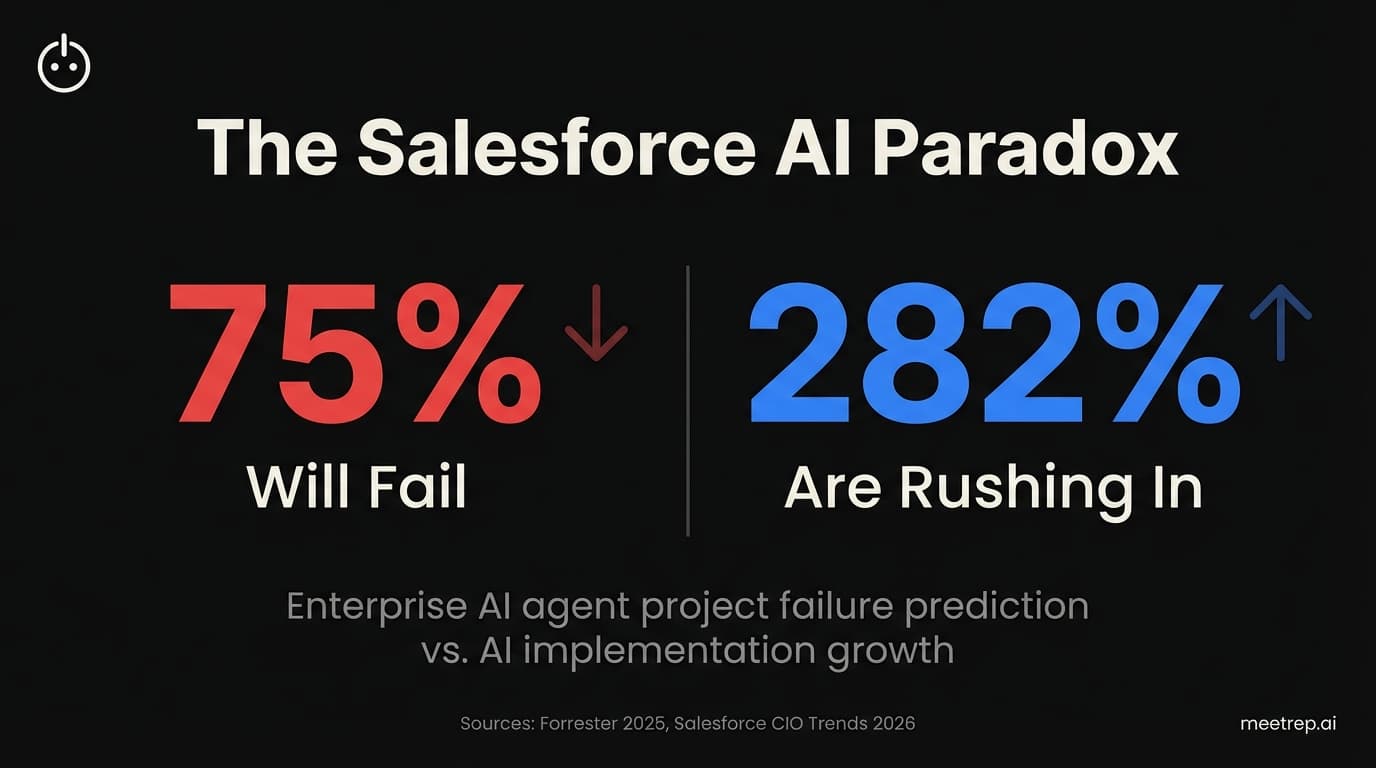
Here's the uncomfortable truth about Salesforce AI integration in 2026: Forrester predicts 75% of enterprise agent projects will fail this year. Not "underperform." Fail. And yet AI implementation has surged 282%—from 11% to 42%—according to Salesforce's CIO Trends 2026 Study. Everyone's rushing in. Most will regret it.
I've spent the past two years building AI sales tools—first at GoCustomer.ai, now at Rep. We've integrated with Salesforce from the outside. I've seen what breaks. This guide covers what actually matters: architecture decisions, API consumption math vendors don't publish, and the data quality problem nobody wants to talk about.
What Is Salesforce AI Integration, Really?
Salesforce AI integration means embedding artificial intelligence into your CRM workflows to automate tasks, predict outcomes, and execute actions without constant human input. But in 2026, "AI integration" has split into two distinct paths—and picking the wrong one is expensive.
Path 1: Native Agentforce. Salesforce's own platform, powered by their Atlas Reasoning Engine and Data Cloud. It handles text-based workflows like email drafting, case management, and data lookups. The agents work directly inside Salesforce.
Path 2: External Specialized Agents. Tools like Rep for live video demos, Retell AI for voice calls, or custom-built solutions. These connect via API and handle things Agentforce doesn't do well—primarily live, real-time interactions.
Here's my take: most organizations will need both. Trying to force Agentforce to handle live demos is like trying to make Slack do video editing. Wrong tool for the job. The smart play is using native tools for data-heavy CRM tasks and specialized agents for live prospect interactions.
Key Insight: The 17-point revenue growth gap—83% of sales teams with AI grew revenue vs. 66% without—only materializes when you match the right AI architecture to the right use case.
The Architecture Decision That Determines Everything
Before touching a single API endpoint, you need to pick your pattern. This choice affects cost, timeline, capabilities, and failure risk. I've seen teams burn six months because they picked wrong.
| Factor | Native (Agentforce) | External Agents | Hybrid |
|---|---|---|---|
| Best for | Email drafting, case routing, data lookup, internal workflows | Live demos, voice calls, video, multi-platform | Complex workflows needing both |
| Data access | Direct via Data Cloud | API calls (counts against limits) | Both methods |
| Setup time | 4.8 months average | Days to weeks | Varies |
| Real cost | $2/conversation + Data Cloud ($25k-$75k+) | SaaS subscription or usage-based | Combined |
| API impact | Minimal (native actions bypass limits) | 5-8 calls per interaction | Mixed |
When to go native: Your primary use case is text-based workflows that live entirely inside Salesforce. You have budget for Data Cloud. Your timeline is flexible.
When to go external: You need live interactions—voice, video, screen sharing. You need speed (days, not months). Your existing Salesforce data is already clean enough to query via API.
When to go hybrid: You want Agentforce handling pre-call research and post-call follow-up emails while an external agent handles the actual live interaction. This is the pattern we designed Rep for at meetrep.ai.
What we learned building Rep: Native Agentforce excels at pulling contact data and generating email drafts. It's not built for live screen sharing and real-time product navigation. We built Rep specifically to fill that gap—join video calls, share screen, walk prospects through products while Agentforce handles the data sync.
The Data Quality Problem Nobody Wants to Discuss
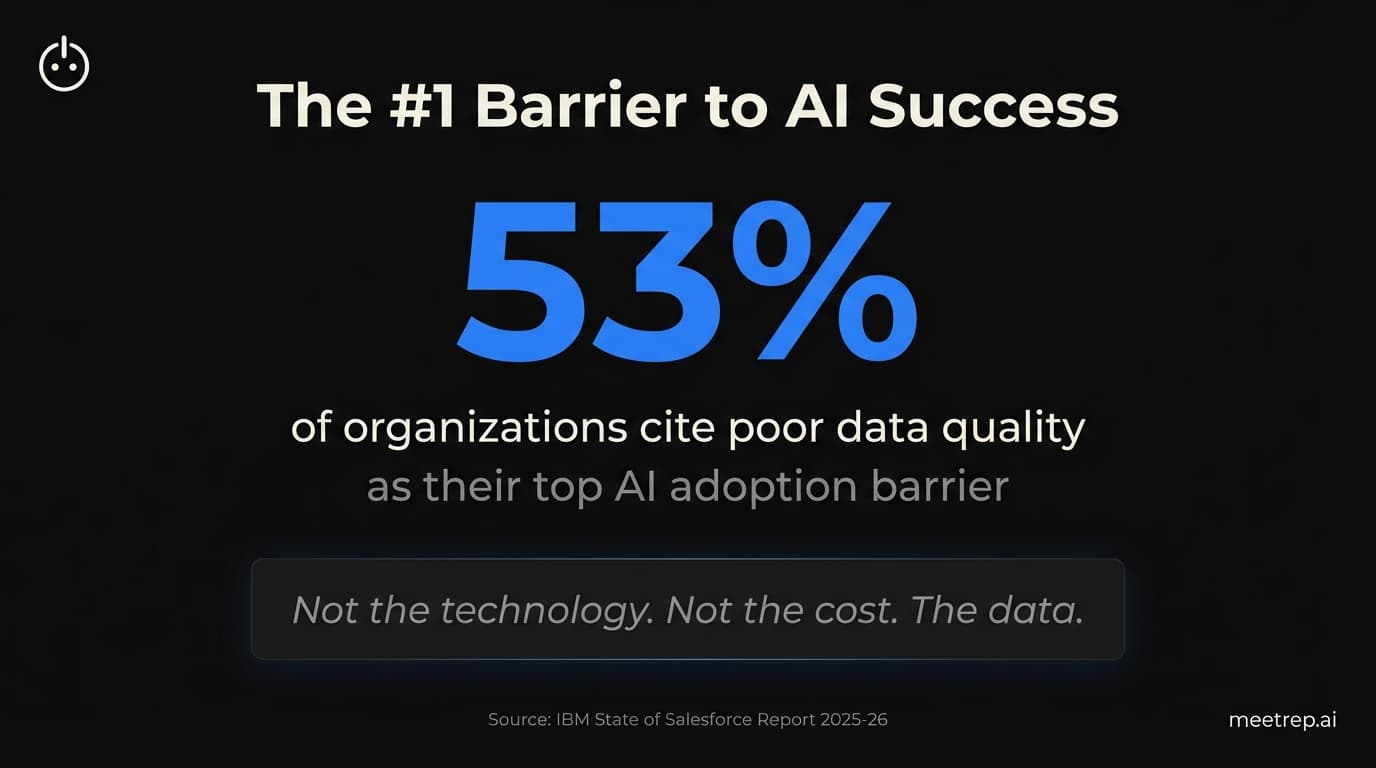
Let me be direct: 53% of organizations cite poor data quality as their top barrier to AI adoption. Not the technology. Not the cost. The data.
And it gets worse. Only 35% of sales pros completely trust their data accuracy. That means 65% know something's wrong with their CRM data—but they're pushing forward with AI implementation anyway.
AI amplifies whatever it finds in your data. Clean data? Great results. Messy data? The AI becomes "confidently wrong"—giving prospects incorrect information with complete certainty. That's not just embarrassing. It's a legal liability.
Minimum data requirements before you start:
| AI Feature | Minimum Records Needed |
|---|---|
| Einstein Lead Scoring | 400 leads (200 converted, 200 not) |
| Einstein Opportunity Scoring | 400 opportunities (200 won, 200 lost) |
| Custom predictions | 400+ sample records |
| Agentforce Service Agent | Clean case history + knowledge articles |
Before deploying any AI agent, audit your data. Check for duplicates. Verify field standardization. Test historical accuracy. This isn't glamorous work. It's the work that separates the 25% who succeed from the 75% who fail.
Common mistake: Assuming your data is "good enough" because nobody has complained recently. I've seen teams with 40% duplicate contact rates try to deploy AI. The results were predictably terrible.
API Consumption: The Math That Can Break You
If you're integrating external AI agents with Salesforce, you need to understand API limits. This isn't optional. Get this wrong and your integration crashes—and takes other systems down with it.
| Salesforce Edition | Daily API Calls | Per-Transaction Limit |
|---|---|---|
| Professional | 15,000 | 15 concurrent |
| Enterprise | 100,000 | 25 concurrent |
| Unlimited/Performance | 1,000,000 | 25 concurrent |
Real-world consumption pattern for external agents:
A typical interaction between an external AI agent (like Rep) and Salesforce looks like this:
- OAuth token acquisition (doesn't count)
- Session initialization (1 API call)
- Lead/Contact data query (1-3 API calls)
- Additional context queries (1-2 API calls)
- Post-interaction data push (1-2 API calls)
- Session close (1 API call)
Total: 5-8 API calls per interaction.
Let's do the math for Enterprise edition:
- 100,000 daily calls ÷ 8 calls per interaction = 12,500 interactions per day maximum
- Sound like a lot? If you're running automated outreach and have multiple integrations hitting Salesforce, you'll hit this faster than you expect.
Mitigation strategies:
- Use Streaming API for real-time updates (doesn't count against REST limits)
- Batch updates using Bulk API 2.0 (separate limit: 15,000 batches/24 hours)
- Deploy Platform Events for event-driven updates
- Use Pub/Sub API for high-volume scenarios (7-10x faster than REST)
Native Agentforce actions bypass standard API limits—that's a genuine advantage. But if you need specialized capabilities that Agentforce can't provide, you're back to managing API consumption carefully.
Authentication That Actually Works
Setting up authentication wrong is a classic failure point. Here's what I've learned integrating with Salesforce multiple times.
| Method | Best For | User Interaction Required |
|---|---|---|
| Client Credentials Flow | Server-to-server (AI agents) | None |
| JWT Bearer Token Flow | Scheduled jobs, ETL | None (requires certificate) |
| Web Server Flow | Web applications | User login required |
For AI agent integrations, Client Credentials Flow is usually your answer. No user interaction needed. Straightforward to implement. Here's the basic flow:
POST https://login.salesforce.com/services/oauth2/token
Content-Type: application/x-www-form-urlencoded

grant_type=client_credentials
&client_id={your_consumer_key}
&client_secret={your_consumer_secret}
Required OAuth scopes for AI agent integrations:
chatbot_api(for Agent API access)sfap_api(for Salesforce platform API)api(general API access)refresh_token(for token refresh)
Pro tip: Use Named Credentials in Salesforce. They store authentication details separately from your code, making credential rotation much easier. Skip this step and you'll regret it during your first security audit.
The 8-Step Implementation Process
Here's the process I'd follow today, based on what's worked (and what's failed spectacularly):
- Define your use case precisely. Not "we want AI." Specific: "We want AI to handle first-touch demo requests outside business hours." Vague goals produce vague results.
- Audit your data quality. Check duplicates, field completeness, historical accuracy. Fix problems before proceeding. Yes, this will take longer than you want.
- Choose your architecture pattern. Native, external, or hybrid. Make this decision explicitly, not by default.
- Set up Data Cloud (if going native). Budget $25k-$75k+ annually. This isn't optional for Agentforce—it's required for the features that matter.
- Configure authentication. Connected Apps, OAuth scopes, Named Credentials. Test thoroughly in sandbox before production.
- Build or integrate your agents. Use Agentforce Builder for native agents. Use vendor APIs for external agents. Document everything.
- Implement governance. Human-in-the-loop approval for high-stakes actions. Audit logging. Error handling. The "confidently wrong" failure mode requires human oversight.
- Monitor continuously. Use Command Center for native agents. Build dashboards for API consumption. Track actual outcomes, not just deployment success.
Valoir's study found Agentforce deployments average 4.8 months. DIY approaches? 75.5 months. The platform approach is faster—but only if your data is ready and your architecture is sound.
The Data:Carnegie Learning reduced research time by 92% after deploying Agentforce—going from 1 hour to 5-10 minutes per account. Reddit cut resolution times by 84%, from 8.9 minutes to 1.4 minutes. These results are real. But they came from organizations with clean data and clear use cases.
The Hidden Cost Conversation
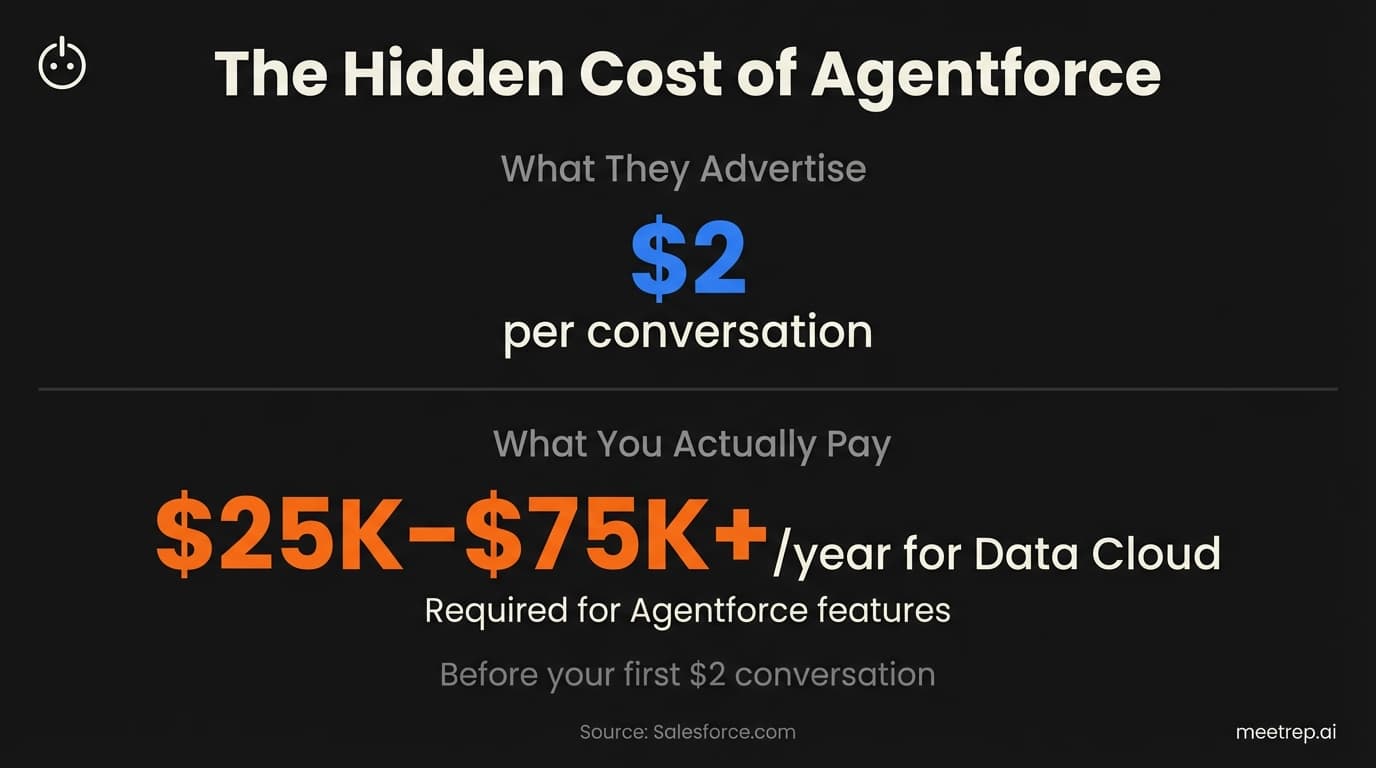
Vendor pricing pages are masterclasses in misdirection. Let me break down what Salesforce AI actually costs.
Agentforce pricing (what they advertise):
- $2 per conversation for Service Agent
- $2 per conversation for Sales Development Rep
Agentforce pricing (what they don't emphasize):
- Data Cloud: $25,000-$75,000+ annually (required for Agentforce features)
- Agentforce Add-ons: $125/user/month to add to existing licenses
- Full Agentforce 1 Edition: $550/user/month (includes Data Cloud)
The comparison that matters:Agentforce costs about $2 per interaction vs. $10 for traditional contact centers. That's real savings. But only if you've already paid for Data Cloud. If you're starting from scratch, add $25k-$75k to your year-one budget before you see any of those $2 interactions.
External specialized agents typically run on SaaS subscriptions or usage-based pricing. The math depends on volume, but the advantage is: no forced Data Cloud purchase just to access basic features.
Gartner predicts that by 2028, 15% of day-to-day work decisions will be made autonomously by agentic AI—up from essentially zero in 2024. The organizations figuring out Salesforce AI integration now will have a three-year head start on everyone else.
My honest take? Start with a hybrid approach. Use native Agentforce for data manipulation and email workflows where it excels. Bring in specialized tools like Rep for live interactions where Agentforce falls short. And above all else, fix your data quality before you deploy anything. The 17-point revenue growth gap is real. So is the 75% failure rate. The difference between them is preparation.

Nadeem Azam
Founder
Software engineer & architect with 10+ years experience. Previously founded GoCustomer.ai.
Nadeem Azam is the Founder of Rep (meetrep.ai), building AI agents that give live product demos 24/7 for B2B sales teams. He writes about AI, sales automation, and the future of product demos.
Frequently Asked Questions
Table of Contents
- What Is Salesforce AI Integration, Really?
- The Architecture Decision That Determines Everything
- The Data Quality Problem Nobody Wants to Discuss
- API Consumption: The Math That Can Break You
- Authentication That Actually Works
- The 8-Step Implementation Process
- The Hidden Cost Conversation
Ready to automate your demos?
Join the Rep Council and be among the first to experience AI-powered demos.
Get Early AccessRelated Articles
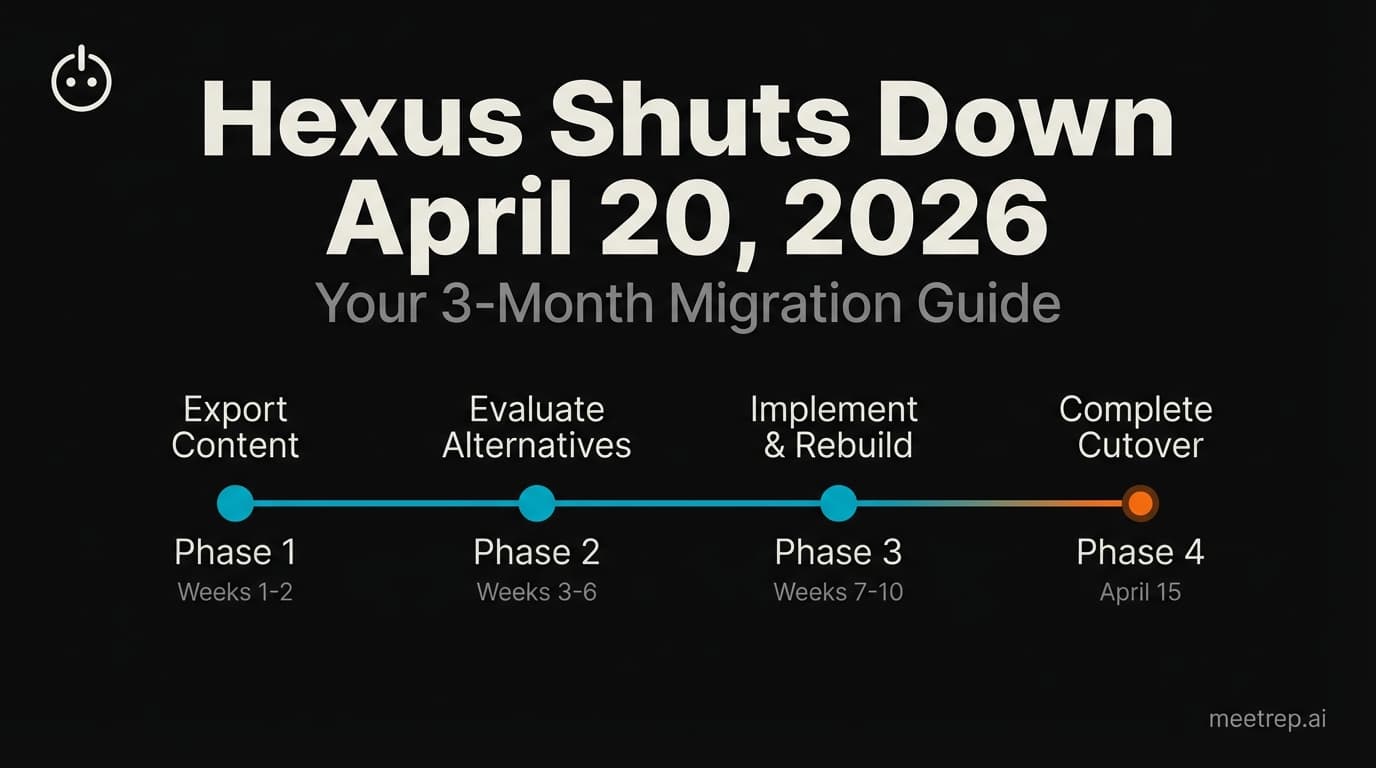
Hexus Acquired by Harvey AI: Congrats & What It Means for Demo Automation Teams
Hexus is shutting down following its acquisition by Harvey AI. Learn how to manage your migration and discover the best demo automation alternatives before April 2026.
Why the "Software Demo" is Broken—and Why AI Agents Are the Future
The traditional software demo is dead. Discover why 94% of B2B buyers rank vendors before calling sales and how AI agents are replacing manual demos to scale revenue.
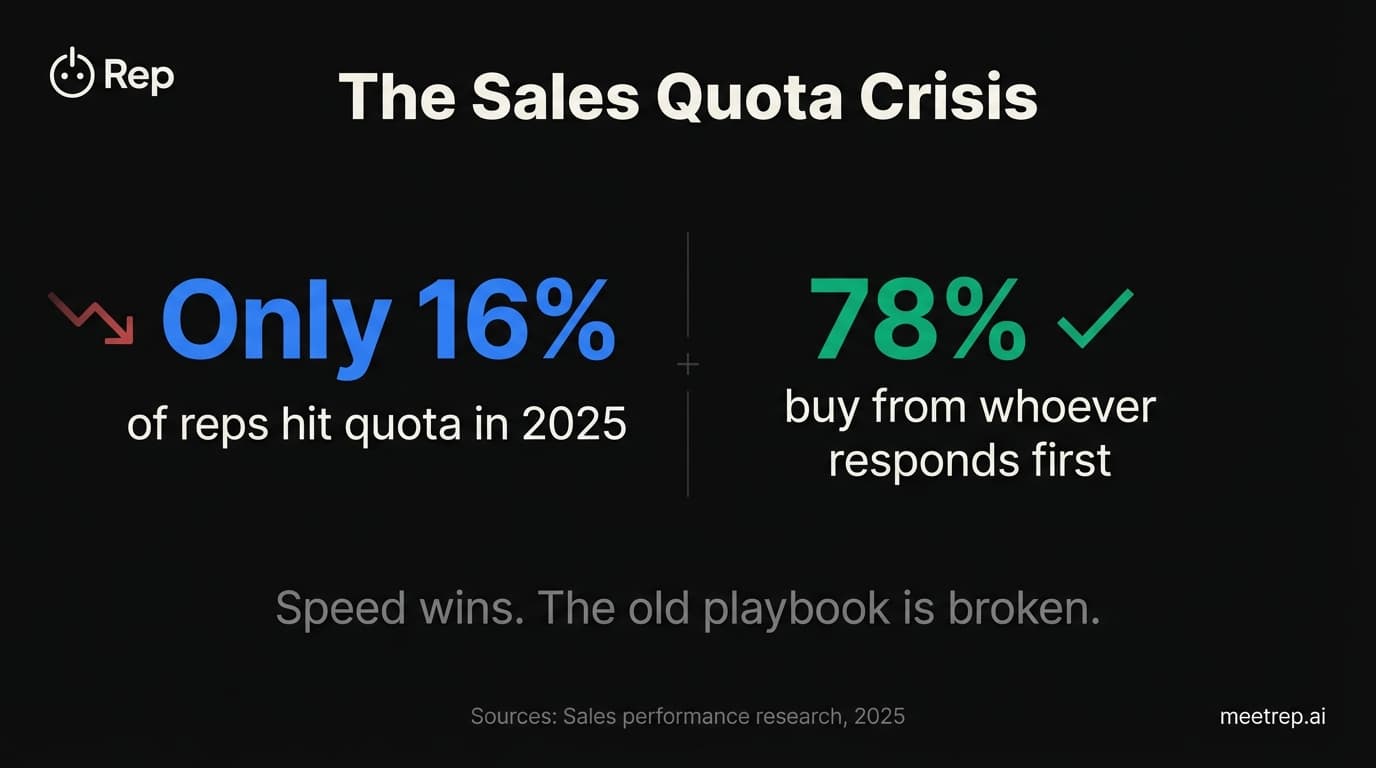
Why Autonomous Sales Software is the Future of B2B Sales (And Why the Old Playbook is Dead)
B2B sales is at a breaking point with quota attainment at 46%. Discover why autonomous 'Agentic AI' is the new standard for driving revenue and meeting the demand for rep-free buying.